> ## Documentation Index
> Fetch the complete documentation index at: https://innateinc-theo-docs-skills-authoring-api.mintlify.site/llms.txt
> Use this file to discover all available pages before exploring further.
# Overview
The Innate Controller App is your phone-side cockpit for MARS: drive the robot, teleoperate the arm, run agents and skills, record training data, and manage maps — all from Android or iOS.
Direct APK download.
Join the iOS beta on TestFlight.
Both apps are still in beta. Reach out on [Discord](https://discord.com/invite/KtkyT97kc7) to get access.
## What you can do with it
* **Drive and control** — joystick base driving with [Slow/Med/Fast/Mad speed modes](/robots/mars/control-and-connectivity#drive-speed-modes), plus head and arm control
* **Leader arm teleoperation** — attach the leader arm to your phone over USB-C for direct arm control
* **Train manipulation skills** — [record episodes, launch cloud training runs, and deploy trained skills](/training/overview) end to end
* **Navigation** — map-free navigation, mapping mode, and go-to mode with trajectory visualization
* **Agents and skills** — start and stop [agents](/software/agents/starting-an-agent) from the home screen, and [trigger skills directly](/software/skills/manual-triggering) with input validation and live feedback
* **Recording** — capture robot sessions with native iOS/Android video, then share or export with metadata
The app also handles the housekeeping: low-battery alerts, arm-restart notifications, and OS version compatibility checks with guided update instructions.
**Using an iPhone?** The leader arm connects over USB-C and doesn't work with iOS devices yet. Ping us on [Discord](https://discord.com/invite/KtkyT97kc7) and we'll get you a free Android phone for leader arm teleoperation.
It's the phone counterpart to the [web app](/robots/web-app), which is better on a laptop for data collection, training, and debugging on a larger screen.
## Connecting to a robot
The app connects to your robot over Wi-Fi — including your phone's hotspot. The first time, it walks you through an onboarding flow:
1. **Bluetooth pairing** — the app discovers your robot over Bluetooth Low Energy (BLE) to configure its network settings
2. **Wi-Fi configuration** — tell the robot which network to join
3. **Connection** — once you're both on the same network, the app connects over Wi-Fi
The robot publishes its hostname with a `.local` suffix (e.g. `mars-robot.local`), so the connection survives an IP address change.
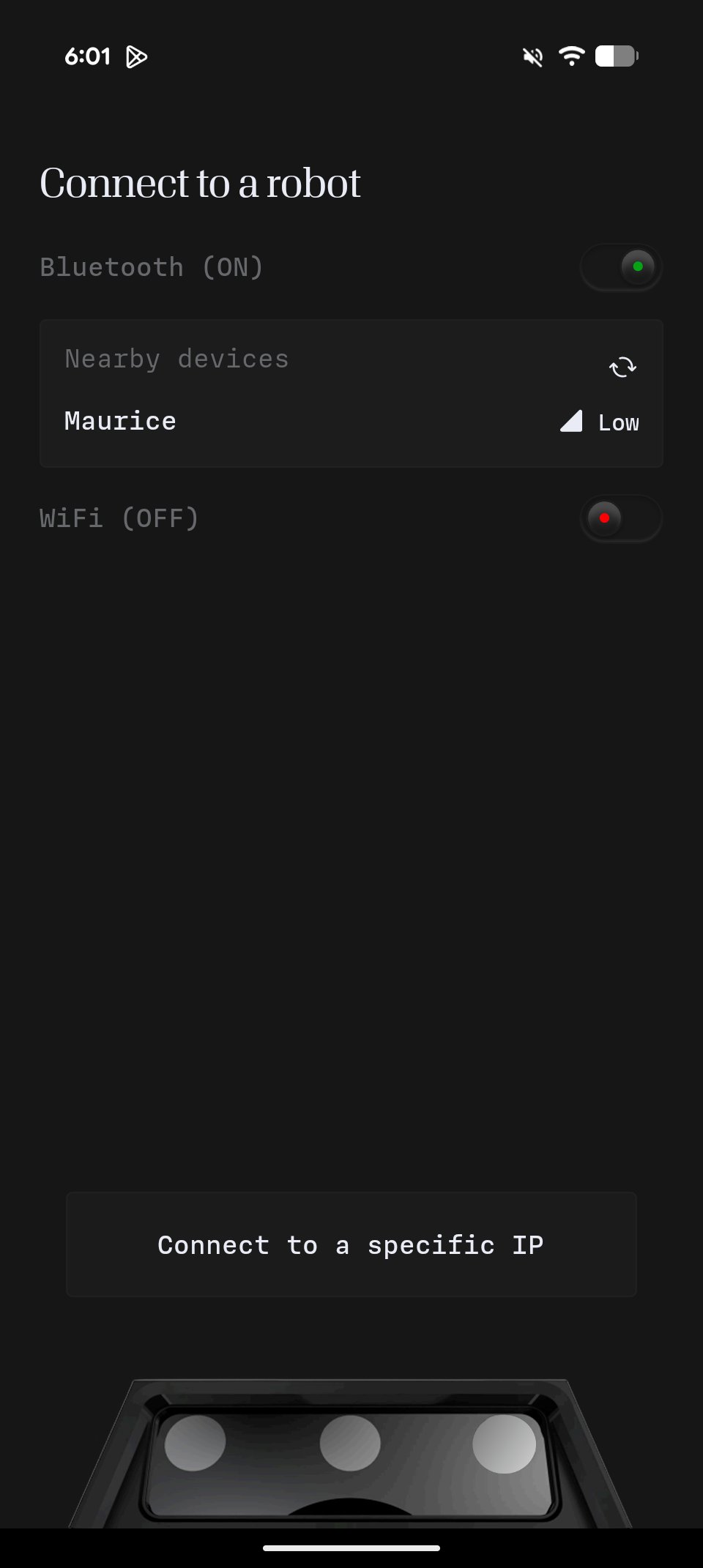
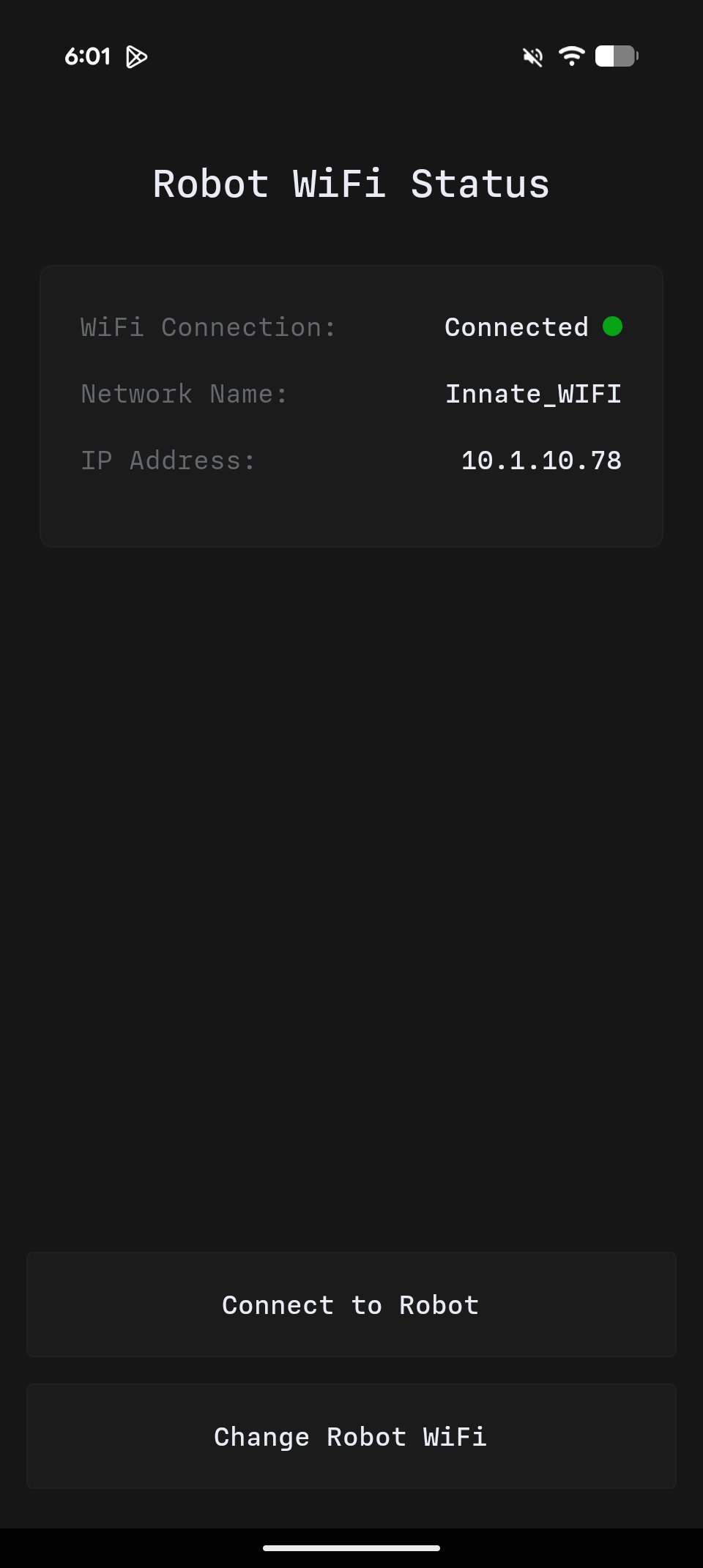
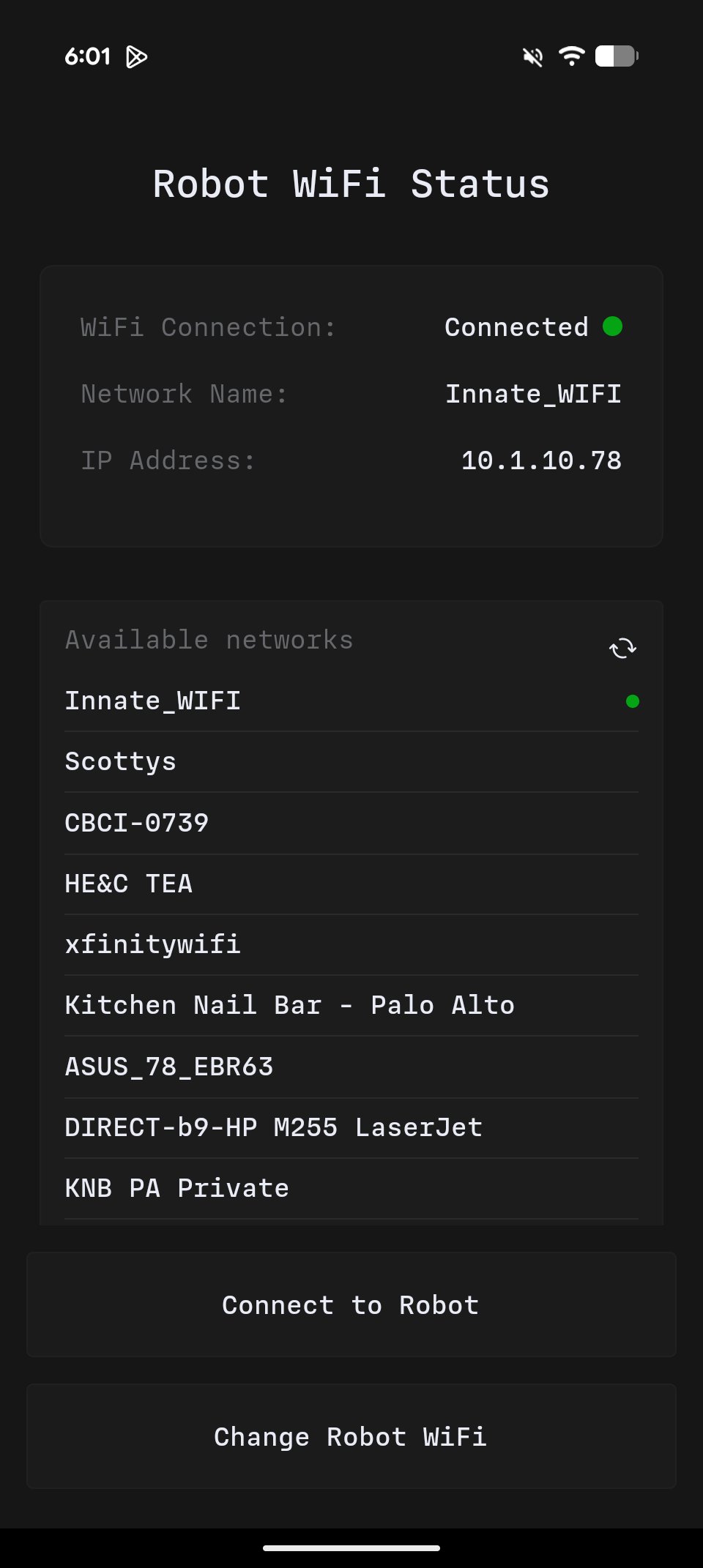 Once connected, **Configuration → WiFi** shows the robot's current IP on the network — which you'll need for [SSH](/robots/mars/connecting-via-ssh) and the [web app](/robots/web-app).
## Current versions
As of **August 2026**:
Once connected, **Configuration → WiFi** shows the robot's current IP on the network — which you'll need for [SSH](/robots/mars/connecting-via-ssh) and the [web app](/robots/web-app).
## Current versions
As of **August 2026**:
MARS OS0.7.0
Controller App1.3.0